
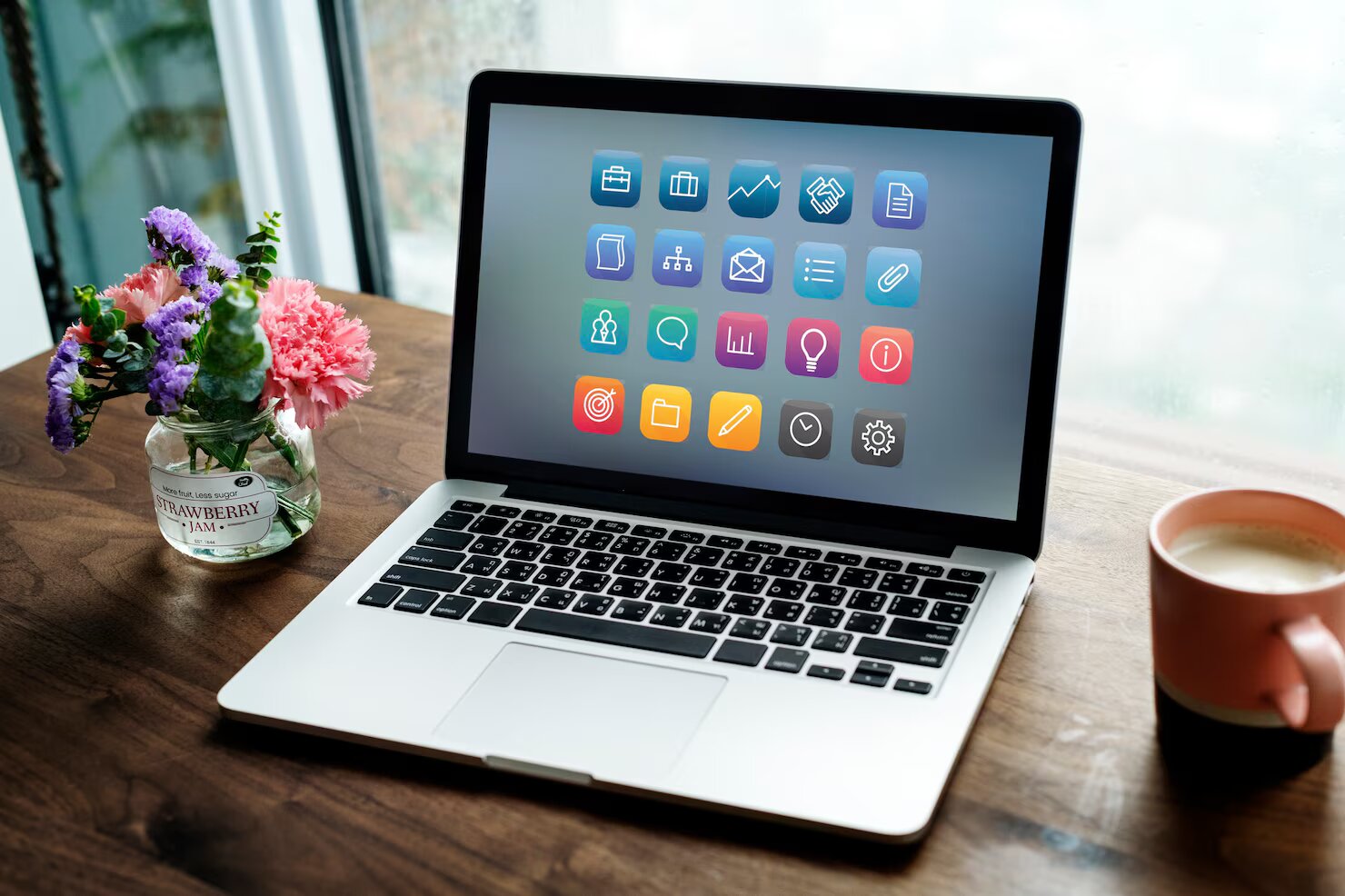
Let’s be honest : when your PC starts behaving weirdly – fans spinning like a jet engine, apps freezing out of nowhere, that tiny delay when you open Chrome – it’s usually a sign that something’s off. And most of the time, it’s not a dramatic hardware failure… it’s just a lack of good tools to keep everything clean, fast and healthy. Today, I’m sharing my Top 10 must-have software to optimise your PC and avoid those annoying, totally preventable breakdowns.
Before diving in, quick note : if you like digging deeper into PC fixes and simple troubleshooting, I once stumbled on https://mon-ordi.info while searching for a RAM issue at 2 AM – super handy when you want explanations that don’t sound like a physics exam.
1. CCleaner – still the king of quick clean-ups
I know, everyone talks about CCleaner… but honestly, it’s still one of the easiest ways to declutter temp files, browser junk and apps you forgot you installed back in 2018. The interface is ridiculously simple. Two clicks and you free up a few GB – which always feels oddly satisfying.
2. Malwarebytes – your safety net against suspicious stuff
If there’s one tool I install on every friend’s PC, it’s this one. Malwarebytes catches all the sneaky junk that regular antivirus tools miss. Last month, it found a bunch of “potentially unwanted programs” on a colleague’s laptop… the kind installed silently during a random driver update. Scary.
3. Recuva – for that file you deleted “by accident”
We’ve all done it. You empty the Recycle Bin, and then… panic. Recuva has saved me twice – once for a half-finished graphic design project, and once for a folder of holiday photos from Brighton I thought were gone forever. It’s free, light and way easier than it looks.
4. CrystalDiskInfo – check the health of your drive before it dies
Hard drives don’t just die randomly. They warn you. CrystalDiskInfo is that friend who says “hey, your disk is acting funny” before you lose everything. I check it every couple of months – takes 30 seconds, and it’s honestly one of the best habits you can pick up.
5. Autoruns – see what really starts with Windows
Windows loads way more things at startup than you’d ever expect. Autoruns gives you the full list – the real list, not the polite one Windows shows in Task Manager. It’s incredibly powerful, though maybe a bit overwhelming at first. But wow does it make your system boot faster.
6. BleachBit – like CCleaner, but sharper (and open-source)
If you want something transparent and no-frills, BleachBit is fantastic. It digs deep, especially in system caches. I tried it after someone on Reddit swore it recovered nearly 5 GB from Chrome. Sounded exaggerated… but they were right.
7. Speccy – the best snapshot of your system
Ever needed your exact motherboard model or RAM speed and couldn’t remember ? Speccy gives you everything – hardware, temps, details you didn’t even know existed. Super useful when diagnosing slowdowns or planning upgrades.
8. Defraggler – if you’re still using an HDD, this is gold
Yeah, SSDs don’t need defrag anymore, but HDD users ? Defraggler is still one of the smoothest, safest tools to reorganise data and get a noticeable speed bump. I tested it once on a 10-year-old drive from an old office PC – it genuinely felt less sluggish afterwards.
9. Driver Booster – because outdated drivers are chaos
Drivers are such a pain to update manually. Driver Booster automates the whole thing and backs up current versions in case something breaks (it happens… often). It’s especially good for fixing audio glitches and weird device errors.
10. Windows Security (built-in) – don’t overlook it
Funny thing : many users install heavy antivirus suites without realising Windows already has a solid one built in. Windows Security is lightweight, regularly updated and way less intrusive than some paid tools. Combine it with Malwarebytes, and you’re basically covered.
Bonus tip : keep things simple
You don’t need 40 tools running in the background. Honestly, 3 or 4 from this list are enough to keep your PC running fast and healthy. What matters most is using them regularly. Even a quick monthly clean-up makes a huge difference.
So, which of these tools have you already tried ? And which one are you installing first ?
le.francois.sylvain@gmail.com
Related posts

Slow Wi-Fi at Home: 10 Concrete Tips to Improve Your Internet Connection
Slow Wi-Fi at home can ruin a perfectly good day. You’re trying to join a video call, Netflix se fige, someone dans...
Read out all
NAS server for beginners: what it’s for and how to choose the right one for your backups
If you’re googling “NAS server for beginners” there’s a good chance you’re tired of juggling USB drives, random folders called “Backup_final_final_v2” and...
Read out all
How to Choose a Trustworthy VPN in 2025: A Clear, No-Jargon Guide to Protect Your Connection
Choosing a VPN in 2025 feels a bit like walking into a giant tech store in London on a Saturday afternoon :...
Read out all
Which Web Browser Really Protects Your Privacy?
Let’s be honest : when was the last time you thought about what your browser actually knows about you ? We open...
Read out all